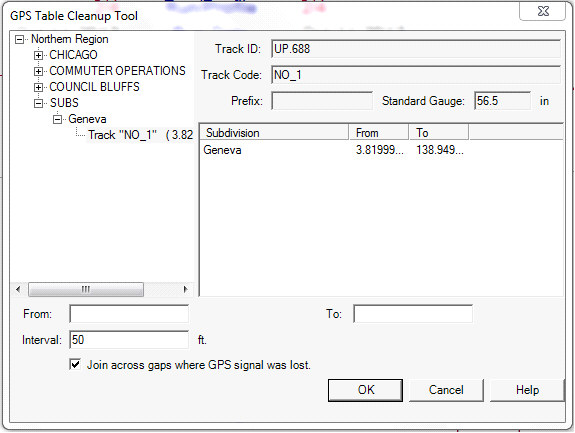
The GPS database table, which is built by the Calculate GPS process, is used by the Map and other GPS-related functions in Rangecam. The GPS Table Cleanup Tool may be used to delete erroneous or unwanted GPS records from the database.
The drop-down menu allows you to choose a specific subdivision, part of a subdivision or all subdivisions. If you selected a territory from a particular division before opening this dialog, the list will be restricted to subdivisions from that division; if not, you can choose from any division. If Track is left blank, GPS records will be deleted for all tracks. The From and To fields, which are used to specify location range, are likewise optional. You may use any or all of the options in this dialog to restrict the cleanup operation. For example, you might enter "SDG" in the Track field in the above dialog to delete GPS records for siding track in all subdivisions.
The GPS cleanup tool is suppressed for Union Pacific because GPS is provided by EFMS system and not allowed to be changed in Rangecam.