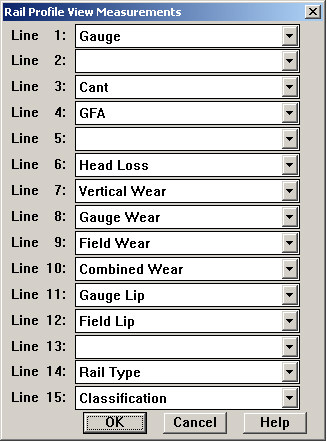
The Measurements/Rail menu selection allows you to determine which profile measurements and classifications are displayed when a rail profile run is selected, and in what order.
Measurement Options Dialog
You can choose to display any available measurement on each line of the user-defined region of the display. This region starts about 40% down from the top of the window, just below the head of most rail weights. Just select the desired measurement from each drop-down list, or select the blank to leave white space.