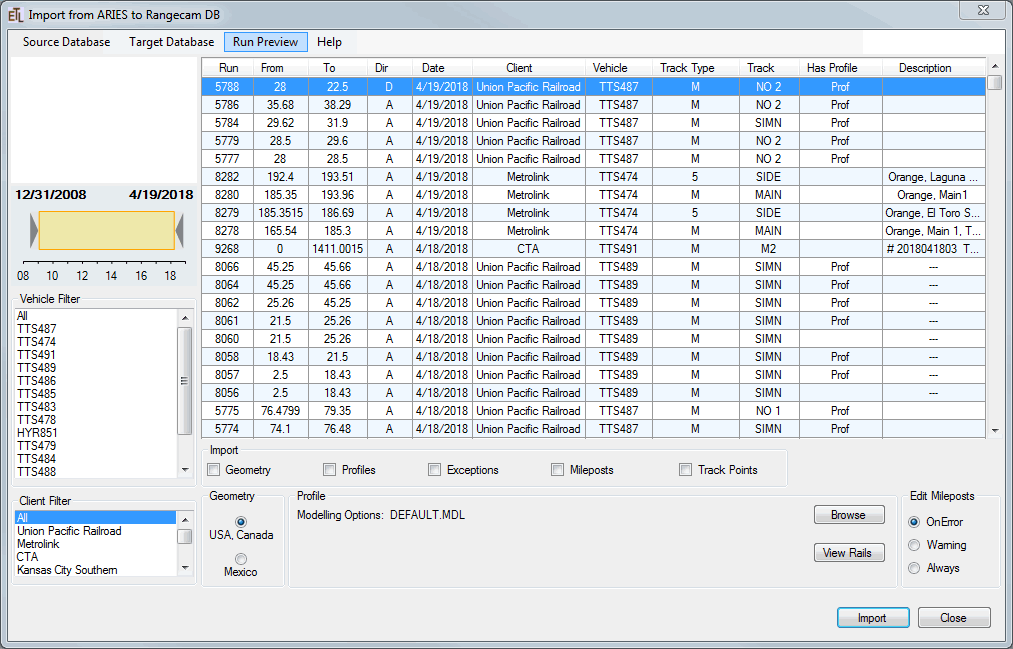
To start the application just double click file RC_Import.exe
On load the application connects automatically to main ARIES DB. 80% of expected data transfer will be done from here. If connection successful, the user will see the form with populated list of runs.
If connection is slow, it may delay appearance of main application screen two-five seconds.
If connection is impossible, the user gets message
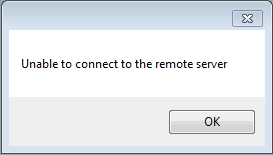
and the form will be empty.
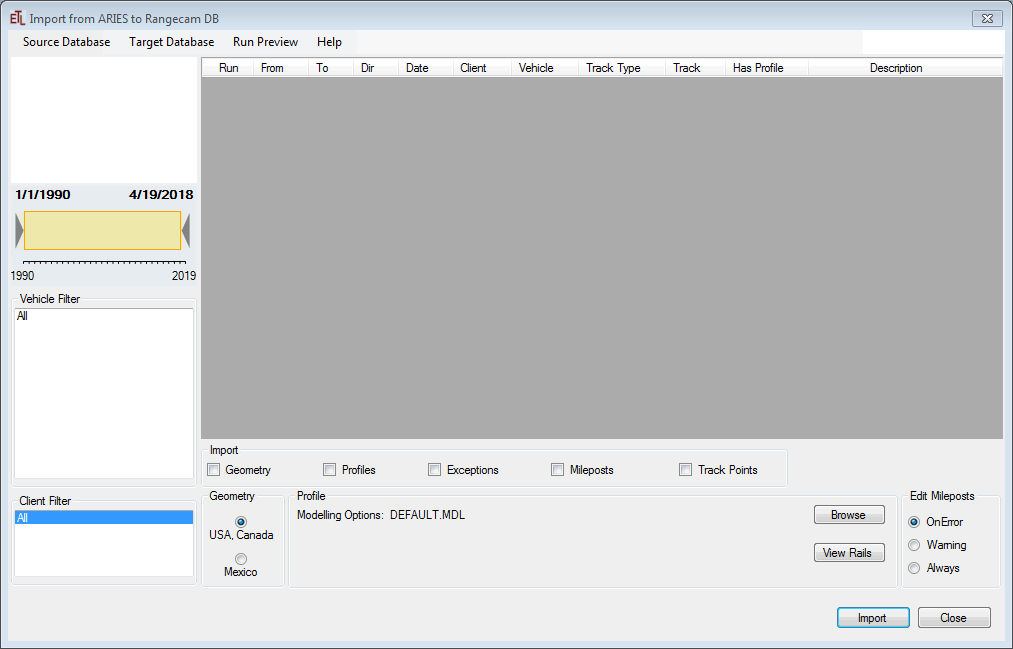
If connection fixed, the user can try to connect to source db one more time without closing the application. Just click menu Source Database and select from drop-down list the corresponding ARIES DB, e.g. ariesdb. The application tries to connect to the db and load list of all runs available.
In the similar way the user can switch to another available source database.
The User can change the size of form. On exit the program saves the user preferences and next time it will be opened in the same size.